Switch between your roles
If you have more than one role, such as Administrator and Group Admin, the top menu now shows one role's links at a time, so you only see what you need.
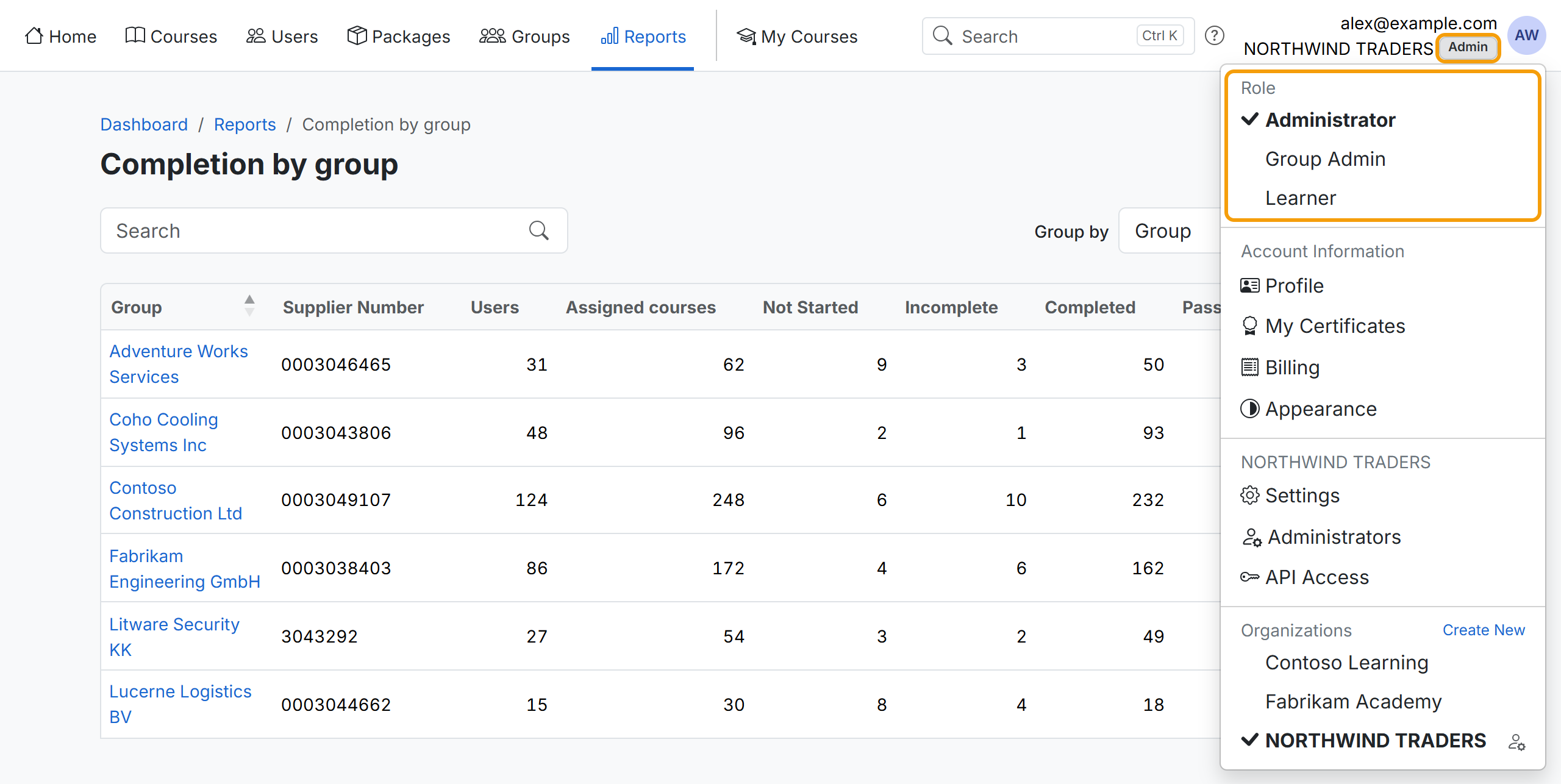
- Click your avatar at the top right, then pick a role under Role.
- The badge under your email address shows your current role.
- The app remembers your choice in this browser.
Groups and Users follow the role: as a group admin you see only the groups you manage and their users.