See completion by region in Completion by group
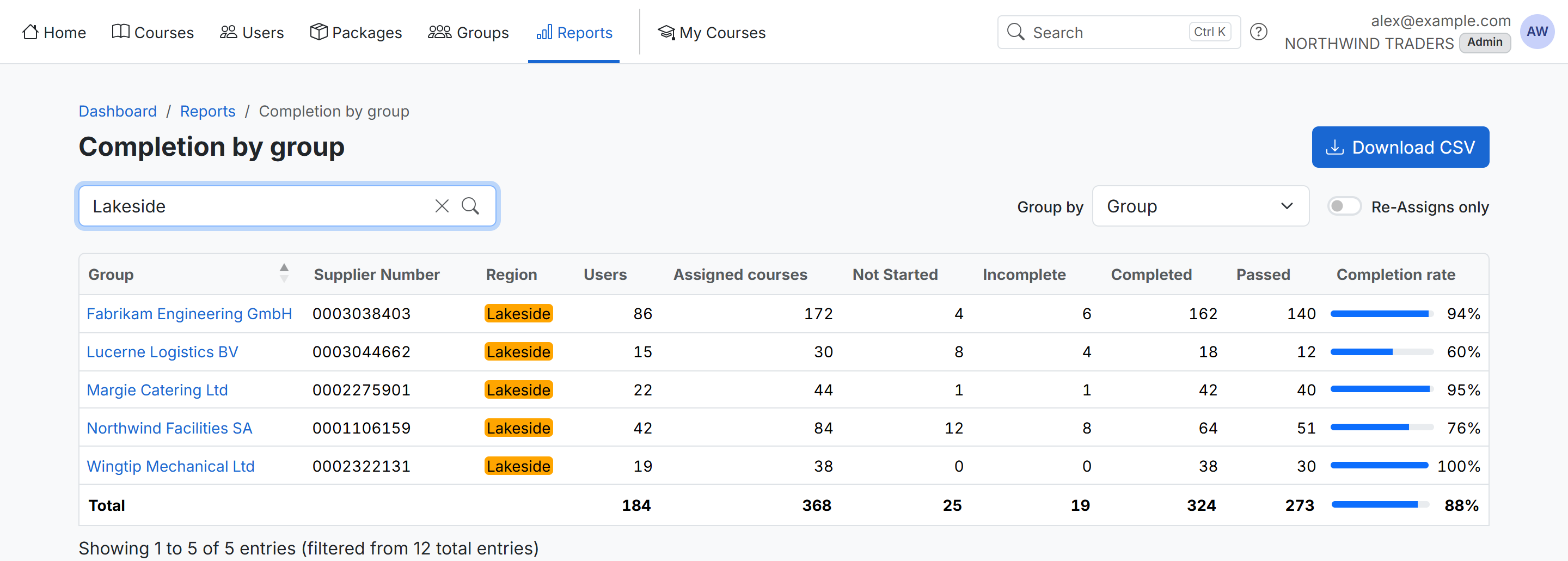
Completion by group now shows your group custom fields, such as Region, as columns next to each group. You get one simple overview of every group in a region and how far along it is.
What you can do
- Search for a region, such as Lakeside, to see only its groups. The Total row adds up just those groups.
- Sort by the region column to keep each region's groups together.
- Download the CSV. It includes the region column and keeps your search.
Where to find it: Reports › Completion by group.
Who sees it: administrators, once groups have a List custom field. To add one, see Custom Fields.
To see one row per region instead, set Group by to the region field.