Send emails from your own address
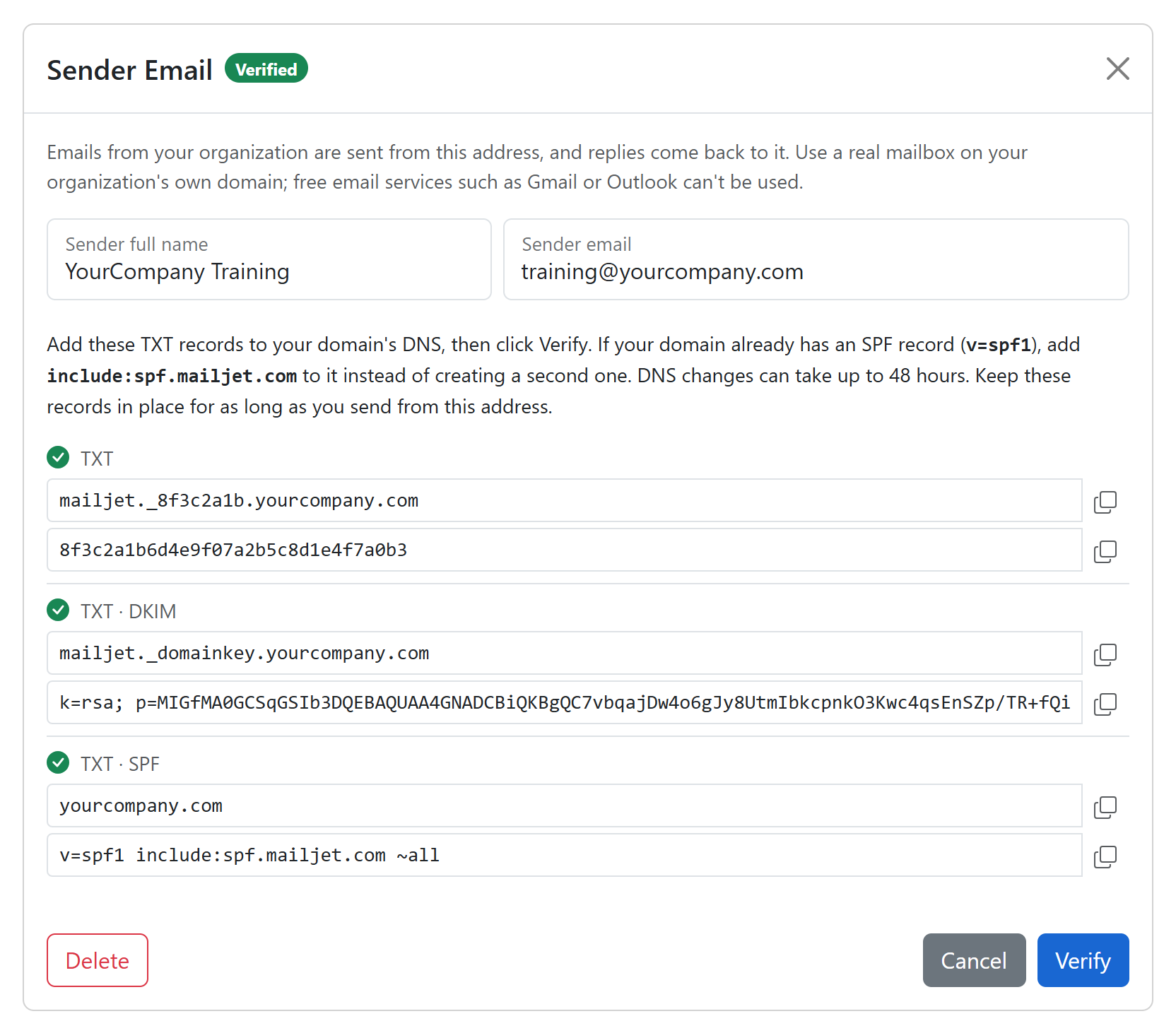
Training emails can now come from your own address, such as training@yourcompany.com. Learners recognize who is writing, and their replies come straight to you.
- It covers assignment and welcome emails, reminders, completion and certificate emails, and messages you send to users.
- Organization administrators set a sender for the whole organization. Administrators of a paid group can set one for their group.
- Add the DNS records shown in Sender Email and click Verify. Until then, emails keep coming from the current sender.